













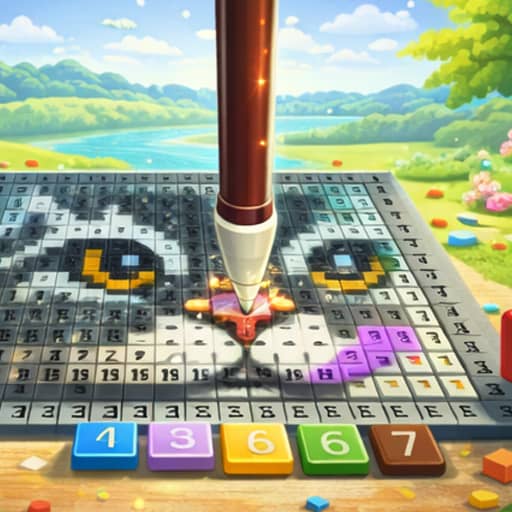

About Teacher Simulator
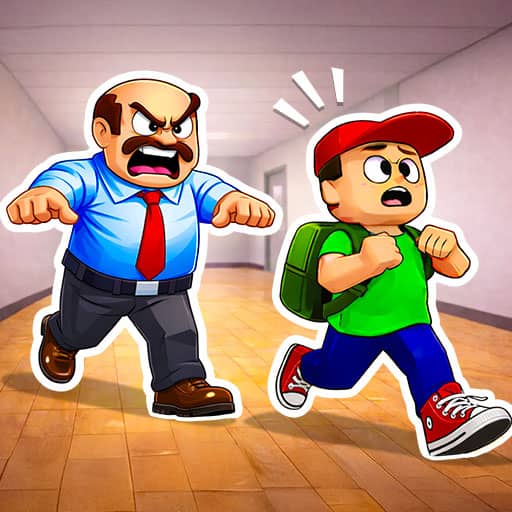
Teacher Simulator is a delightful and relaxing game that lets you experience the other side of the classroom. Whether you are grading exams or keeping students on their best behavior, there is something satisfying about being the one in charge. It is a charming simulation perfect for anyone who enjoys casual, feel-good gameplay.
How to Play
Use the left mouse button on desktop or touch on mobile to play the game.
Tips
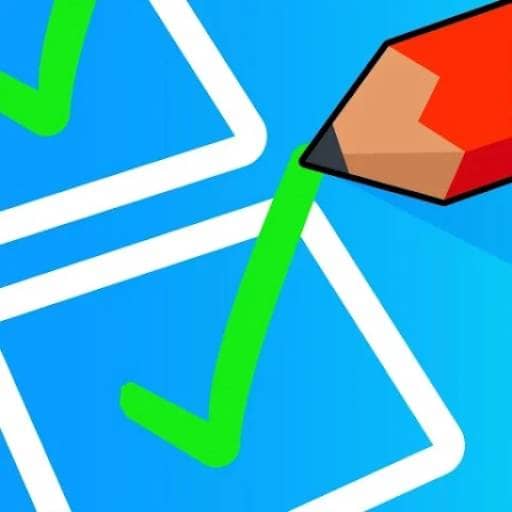
Pay close attention to each exam answer before marking to build your score. Keep an eye on student behavior and address disruptions quickly to maintain order. Take your time with each decision, there is no need to rush. Familiarize yourself with the classroom layout so you can respond to events efficiently.
Advanced Strategies
Focus on developing a rhythm for grading papers quickly and accurately, since speed boosts your overall performance. Learn to anticipate which students might cause trouble and address them before situations escalate. Balance your attention between grading and classroom management to maximize your teacher rating at the end of each level.
Frequently Asked Questions
Use the left mouse button on desktop or touch on mobile to interact with exams, students, and classroom objects. Follow the on-screen prompts to complete tasks like marking papers and managing student behavior.
Take your time reading exam answers carefully, respond to misbehaving students quickly, and develop a steady rhythm to balance grading with classroom management.
Yes, Teacher Simulator is family-friendly and suitable for players of all ages. It features lighthearted classroom fun with no violent or inappropriate content.