

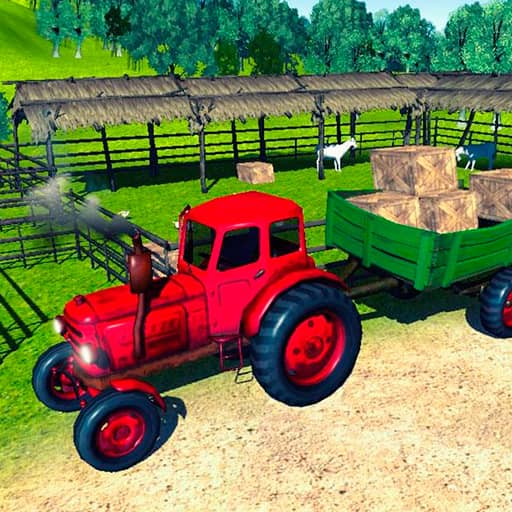















About Animal Simulator Truck Transport 2020
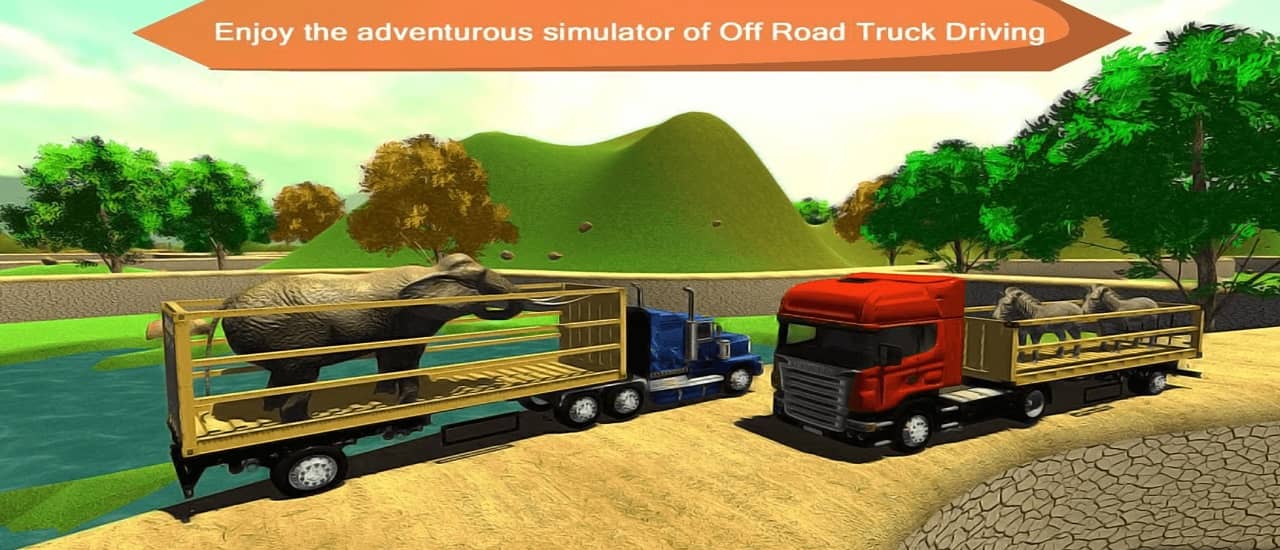
Animal Simulator Truck Transport 2020 offers a wonderfully chill experience for anyone who loves animals and casual driving games. You'll find a surprising amount of relaxation in carefully loading up your truck and cruising through scenic offroad landscapes with your adorable cargo. It's the perfect game to unwind with after a long day!
How to Play
WASD - drive truck, use joystick to control animal
Tips
Start by getting comfortable with the WASD controls before adding animals to your truck. Drive slowly and carefully, especially around corners, to keep your animal passengers calm and safe. Use the joystick smoothly when guiding animals into their cages for easier loading. Take your time on offroad sections to avoid any bumps. Practice with farm animals like cows and horses before attempting to transport the trickier wild animals.
Advanced Strategies
Master the art of smooth braking by tapping the brake gently rather than stopping suddenly, which keeps animals from getting agitated. Plan your route ahead of time to avoid the rockiest terrain when carrying more delicate cargo like zebras or foxes. Learn to read the terrain patterns to find the fastest safe paths, and try chaining multiple deliveries together for a more satisfying transport session.
Frequently Asked Questions
Use the WASD keys to drive your truck around the map. When you need to load animals, switch to the joystick control to guide them into the transport cage on your truck bed. Once loaded, drive carefully to the zoo destination to offload your animals.
Take corners slowly to avoid agitating your animal passengers. Practice with the easier farm animals first before moving on to wild animals. Use gentle movements with the joystick for smoother animal control, and always plan your route before heading out.
Yes! This game is very kid-friendly with its cute animal themes and simple driving mechanics. There's no violence or scary content, making it a great choice for younger players who love animals and vehicles.